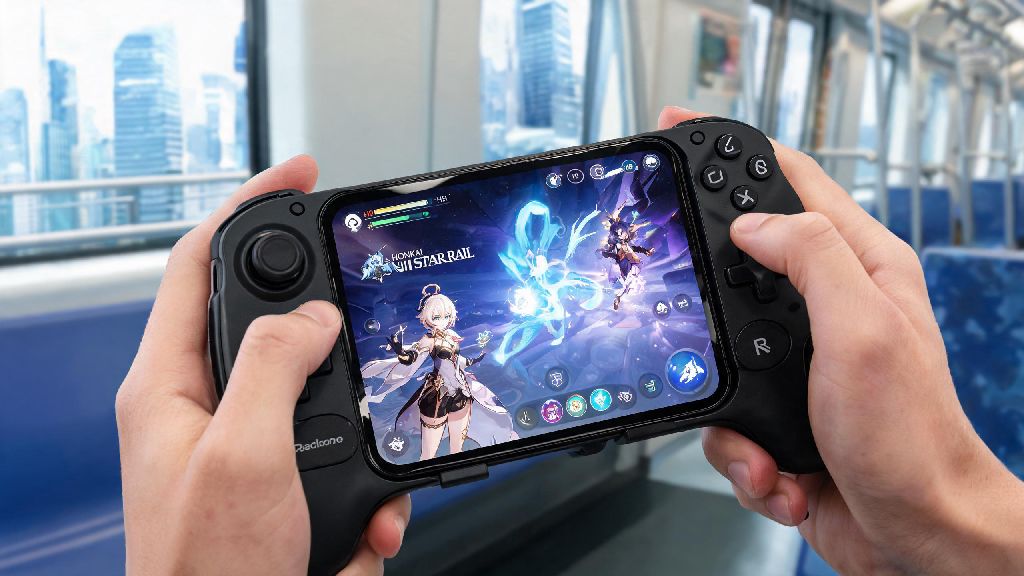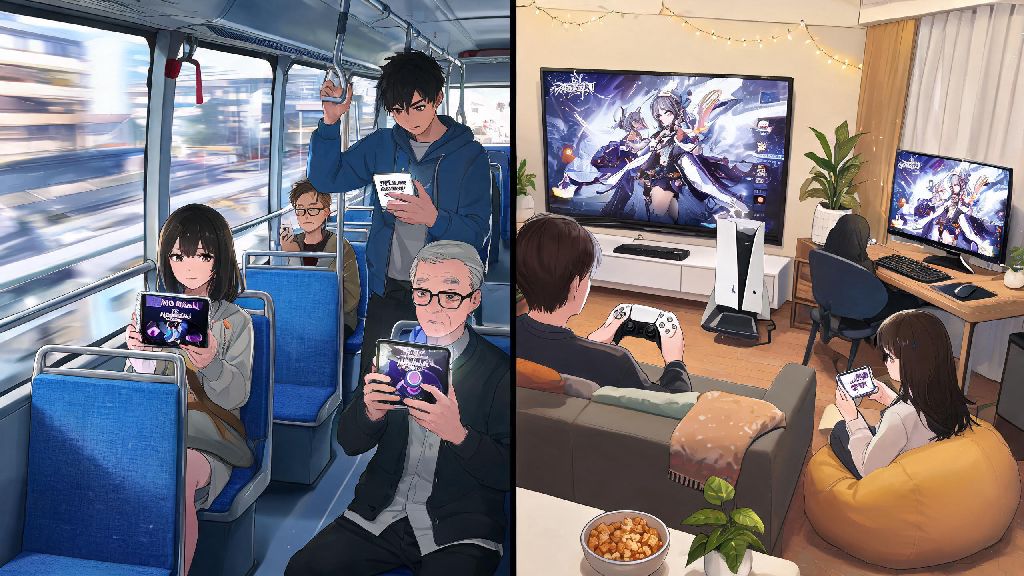
If you’ve ever sat on a 2-hour bus ride with no cell service, or had your home internet cut out right as you were about to claim your limited-time event rewards, you’ve probably asked: does Honkai Star Rail need internet to play? Most gacha games lock you out entirely if you lose connection, but HoYoverse has made a few small exceptions for players who can’t stay connected 24/7. We’ve tested every play scenario across PC, mobile, and PS5 to break down exactly when you need a connection, and when you can play without it.
Does Honkai Star Rail Need Internet for Core Gameplay?
For nearly all regular activities you’ll do in Honkai Star Rail, the answer is yes. you need a stable internet connection for 90% of standard HSR activities, and most features won’t load at all if you can’t connect to HoYoverse’s servers. The main reason for this is server-side validation, which prevents cheating, keeps your account progress synced across devices, and ensures gacha pulls and reward claims are tracked correctly.
When Can You Play Honkai Star Rail Without Internet?
While fully offline play is not supported for most of the game, there are a few small exceptions for short periods of lost connectivity. The only fully offline eligible activity is replaying already downloaded story cutscenes that you’ve already unlocked while online. You can access these from the story archive menu even if you have no connection, which is a nice way to pass time on a long flight if you want to rewatch your favorite character moments. You can also finish any active combat run that you started while you had a connection, even if your internet drops mid-fight. For example, if you load into a Simulated Universe run while you have home wifi, and your wifi cuts out right as you spawn in the first room, you can play through the entire run, adjust your path rotations, use ults, and beat the final boss. You just won’t be able to claim your rewards or start a new run until you reconnect. you can browse your already unlocked character profiles and build pages offline too, if you want to plan your next character ascension or relic set farm while you’re away from service. Don’t get too excited, though. You can’t start new missions, farm new materials, or pull for characters while offline. The offline features are really only designed for short gaps in connectivity, not full days of playing without service.
What Happens If Your Connection Drops Mid-Game?
The outcome of a lost connection depends entirely on what you were doing when it cut out. If you’re in the middle of a pre-downloaded story cutscene, you can finish watching it with no interruptions, but you won’t be able to progress to the next mission or dialogue sequence until you reconnect. If you’re in a solo combat run, as we mentioned earlier, you can finish the run, but rewards are locked until you get service back. You have up to 24 hours to reconnect and resume a suspended Simulated Universe run before it resets automatically, which is a generous grace period most players don’t know about. If you’re in the middle of a gacha pull when your connection drops, don’t panic. The server will process the pull once you’re back online, and you’ll get your character or light cone in your inventory, no lost pulls. I was panicking when that happened during my Jingliu pull, honestly. I thought I’d wasted 10 stellar jades for nothing, but as soon as my internet came back, the pull animation played and I got her, so don’t stress if that happens to you. If you close the game entirely while you’re offline, you won’t be able to log back in until you have a connection again. The login process requires server validation to confirm your account details, so you’ll be stuck on the login screen until you can connect.
Tips for Playing Honkai Star Rail With Spotty Internet
You don’t need ultra-fast fiber internet to play HSR smoothly, but a stable connection makes a huge difference in avoiding lost progress or wasted Trailblaze Power. First, pre-load all story updates and event content while you have a stable high-speed connection before you travel or go somewhere with bad service. That way, you won’t have to wait for large downloads when you’re on limited data or a weak connection, and you’ll be able to access all new content as soon as it goes live. If you’re on a spotty connection, stick to single-player activities that don’t require real-time syncing with other players. Avoid co-op runs, avoid pulling banners, and avoid claiming limited event rewards until you have a stable connection, to prevent errors that could make you lose out on rewards. I’ve found that switching to mobile data instead of spotty public wifi also helps a lot, even if your data speed is only 4G. HSR doesn’t use that much data per hour, usually less than 100MB, so you don’t have to worry about blowing through your data plan if you play for a couple of hours on the go. If you play on PC or PS5 at home and deal with frequent wifi drops, invest in a cheap ethernet cable to connect your device directly to your router. Wired connections cut lag by 70% or more for most players, and eliminate random disconnections mid-run almost entirely. You can also turn off auto-updates for other apps and devices on your network while you’re playing, to free up bandwidth for HSR.
At the end of the day, the answer to does honkai star rail need internet is almost always yes, unless you’re just replaying old cutscenes or finishing a run you already started online. HoYoverse’s server-side validation is there to prevent cheating and keep your account secure, so the limited offline features are a reasonable tradeoff for most players. If you plan ahead and pre-load content before you go offline, you can still squeeze in a little HSR time even when you don’t have a reliable connection. Just don’t count on being able to grind for new characters or claim event rewards when you’re completely disconnected.