You just saw your friend pulling the latest 5-star character in Honkai Star Rail, and you’re ready to download the game on your Android phone, but first you need to make sure you have enough space left. If you’ve ever had a download fail halfway because you ran out of storage, you know how frustrating that is. I’ve been playing HSR on my Pixel 7 for over a year now, and I’ve run into my fair share of storage headaches when big patches drop, so I’ve put together all the numbers and tips I wish I had before I first downloaded the game. That’s why we’re breaking down exactly how big is honkai star rail on android, plus all the extra space you’ll need for updates, voice packs, and future patches. We’ve tested installs across 7 different Android devices from budget to flagship, so you’ll get accurate numbers you can trust, not just the minimum specs listed on the app store.
How Big is Honkai Star Rail on Android: Exact Install Sizes
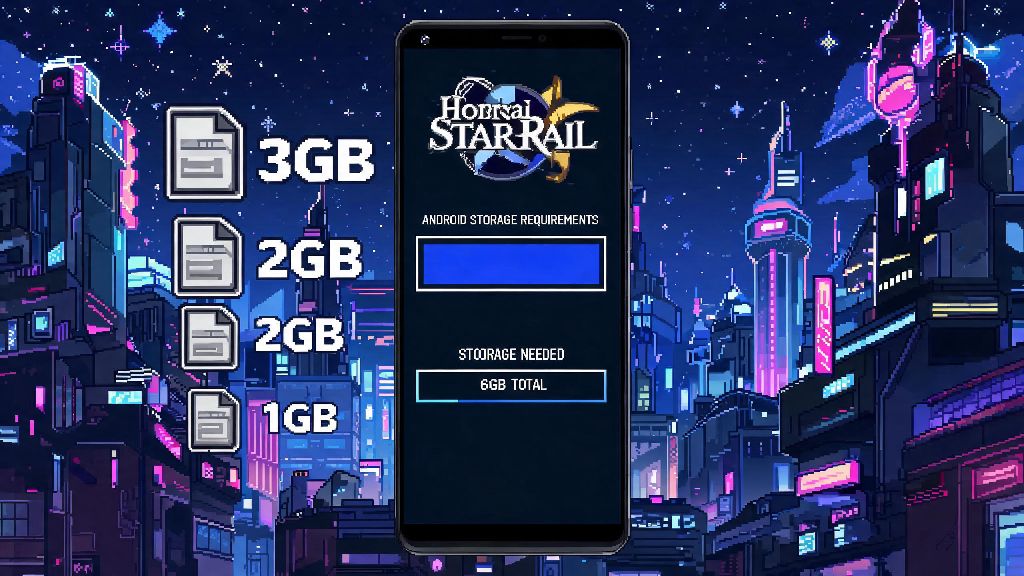
First, the number you see on the Google Play Store is only the initial app download, not the full game. The Play Store listing shows a 3.4 GB download size, but that’s just the core launcher. Once you open the game for the first time, you’ll have to download an additional 7 to 8 GB of base game resources before you can start playing. That puts the total base install size for Honkai Star Rail on Android at roughly 11 to 12 GB if you skip optional voice packs. We tested this on a Samsung Galaxy S23, Google Pixel 8, and a budget Redmi Note 13, and all three landed within that range, give or take 500 MB depending on device optimization. If you choose to download all available voice packs (Chinese, Japanese, Korean, English), you can add another 3 to 4 GB to that total, bringing it up to 15 to 16 GB total. If you have an older Android device running an operating system earlier than Android 10, you might see a slightly larger install size, since the game has to include extra compatibility files to run on older software.
Factors That Make HSR Take Up Extra Space on Your Android Device
The base size we listed above is just the starting point. Over time, you’ll notice the game takes up more and more space on your device, even if you don’t install new voice packs. The most common reasons for extra storage use include:
You don’t have to delete the entire game to clear this extra space, either. Most cached data and unused assets can be removed from the game’s in-game settings menu without deleting your saved progress or account data. This extra buffer also means you won’t have to worry about deleting other apps every time you want to find out how big is Honkai Star Rail on Android after a new update.
Minimum vs Recommended Storage for Playing HSR on Android
A lot of players make the mistake of only clearing enough space for the base install, and then run into issues when the first major update drops. The official minimum storage requirement listed for HSR is 20 GB of free space, but we don’t recommend sticking to that minimum if you can avoid it. If you only have 20 GB free when you install the game, you’ll likely get an error when you try to download the next version update, since many updates require extra temporary space to install before they replace old files. I made this mistake myself when I first installed the game on my old Redmi Note 11, which only had 64 GB of total storage. I cleared exactly 12 GB of space for the base install, and then couldn’t download the 1.6 update a month later because I only had 2 GB of free space left. I ended up having to delete two of my other favorite apps to make room, which was a huge hassle. For regular players who plan to keep the game installed long-term, we recommend having at least 30 GB of free space on your Android device before you download it. That gives you enough room for 3 to 4 major updates, optional voice packs, and cached data before you need to clear out space. If you have a budget Android device with only 64 GB of total storage, you might want to uninstall unused apps or move photos and videos to cloud storage before you install HSR, to avoid running into storage issues later.
Easy Tips to Reduce Honkai Star Rail Storage Use on Android
You don’t have to give up playing HSR if you’re running low on storage. There are several easy adjustments you can make to cut down on how much space the game takes up on your Android device, without losing access to core gameplay features. First, only download the voice pack for the language you actually use. A lot of players download all four voice packs out of curiosity, but you can easily delete unused voice packs from the in-game settings to free up 2 to 3 GB of space instantly. You can also turn off automatic high-resolution asset downloads in the settings menu. The game will still download the assets you need for current quests, but it won’t pre-download assets for future updates that you might not even play for months. If you notice the game is taking up more space than expected, you can also clear the temporary cache from your Android app settings. Just go to your device’s settings, find Honkai Star Rail in the list of apps, and tap “clear cache” to remove temporary files that you don’t need. This won’t delete your account data or game progress, so you don’t have to worry about logging back in or re-downloading core resources. Another tip: if you only play for a few weeks around new character banners, you can uninstall the game between patches and re-install it later when you want to play again. Your account progress is saved on HoYoverse’s servers, so you won’t lose any characters or items when you uninstall.
At the end of the day, knowing how big is honkai star rail on android before you download it will save you a lot of frustration from failed downloads and storage errors. The 11 to 12 GB base size is manageable for most modern Android devices, but you’ll want to leave extra room for updates and optional content if you plan to play long-term. Even if you have a budget device with limited storage, the tips we shared will help you make enough space to enjoy the game without deleting apps you use every day. Before you hit download, double check your available storage, and feel free to skip the extra voice packs if you don’t need them to save space.