Nothing kills the excitement of a new Honkai Star Rail patch faster than that pop-up warning you don’t have enough storage to download the update. I’ve been there too – last year I had to delete three years of vacation photos and two unused productivity apps just to fit the Penacony launch update on my Android. If you’ve ever wondered how much space do you need for Honkai Star Rail to run smoothly across all your devices, this guide breaks down all the exact numbers, plus easy workarounds if you’re tight on space.
How Much Space Do You Need for Honkai Star Rail by Platform
Storage requirements vary a lot depending on what device you play on, and they go up every time a new region, character banner, or limited-time event drops. These are the most up-to-date numbers for all supported platforms, as of the latest main story update.
For PC players, the base game install sits at roughly 30GB, but that only includes the core game files and default English voiceover. If you play on maximum settings with 4K texture packs enabled, you can add an extra 8GB to that total. You should always reserve at least 15% extra storage above the listed base size to avoid update failures, so PC players should aim for 45GB of free space minimum, or 55GB if you use high-res assets.
Mobile players have more flexibility with storage sizes. The base install for both Android and iOS is 12GB for standard resolution assets, or 8GB if you opt for the low-res resource pack designed for older devices. After adding cached cutscenes, event files, and regular patches, most mobile players will see their game size hover between 18GB and 22GB, so 25GB of free space is the sweet spot to avoid issues mid-update. PlayStation 5 players need a 28GB base install, with 35GB of recommended free space to accommodate patches.
Common Reasons Honkai Star Rail Takes Up More Space Than Advertised
You might have noticed that your game takes up way more space than the download size listed on the app store or HoYoverse launcher. That’s not a glitch – there are a few hidden files that add up over time that most players don’t account for.
First, the game automatically saves all the cutscenes you watch to your device, so you don’t have to re-download them every time you go back to replay old story missions. Depending on how far you are in the main story, these cached cutscenes can take up 2GB to 4GB of extra space. Second, if you have multiple voiceover packs installed (for example, English, Japanese, and Korean), each pack adds between 1GB and 2GB of extra storage. Uninstalling unused voiceover packs can free up to 4GB of space without impacting your gameplay experience.
Old temporary update files are another common culprit. When you download a new patch, the launcher keeps old version files on your device temporarily to roll back if the update fails, but these files don’t always get deleted automatically after the update is complete. Small files like in-game screenshots, replay saves, and custom profile assets also add up over time, usually taking up an extra 1GB to 2GB of space for long-time players.
Easy Tips to Reduce Honkai Star Rail Storage Usage
You don’t have to delete all your favorite apps or old photos just to fit the latest update. I’ve tested all these tips on my own mobile and PC accounts, and they’ve saved me from uninstalling the game at least three times now. All these tweaks are completely safe, and you won’t lose any of your progress as long as you’re logged into your HoYoverse account.
- Delete unused voiceover packs: Head to the in-game settings menu, go to the Resources tab, and remove any voice languages you don’t listen to. You can re-download them later for free if you change your mind, and this will not impact any other game features.
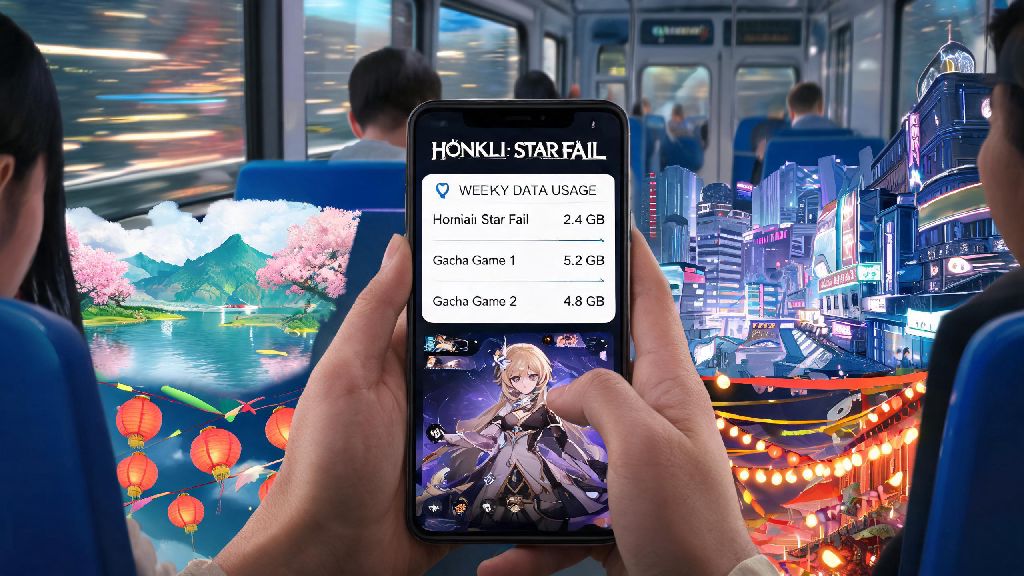
- Clear cached story resources: The game lets you delete saved cutscenes and story assets for missions you’ve already completed. Note that this will use more mobile data if you replay old missions when you’re not on Wi-Fi, so keep that in mind if you have a limited data plan.
- Turn off auto-download of high-res assets: On mobile, disable the auto-download of high-res character art and battle effects in settings. Most players won’t notice a difference in visual quality on small phone screens, but this cuts down background storage usage drastically.
- Reinstall the game once every 3-4 patches: This removes all leftover temporary files from old updates, often freeing up 5-8GB of extra space that you didn’t know was being wasted. Just make sure you have your account login details saved before you uninstall.
PC players have an extra option if their main SSD is full: you can move the entire game install folder to an external hard drive, as long as the drive has a USB 3.0 connection or faster to avoid long load times. Never clear your game’s storage directly through your device settings, as this can accidentally delete your save data or login credentials – always use the in-game resource management tools first.
What Happens If You Don’t Have Enough Storage for Honkai Star Rail?
You might be tempted to squeeze the game into the last bit of free space on your device, but that will almost always lead to annoying issues down the line. The most common problem is update failures: if you don’t have enough extra space for a patch, the download will stop mid-process, and sometimes corrupt existing game files. In the worst case, you’ll have to re-download the entire game from scratch, which uses a lot of data and time.
You’ll also notice noticeable performance issues if your device has less than 1GB of free space left after installing the game. That means longer load times between battles, random frame drops during boss fights, and even sudden crashes right when you’re about to clear a tough challenge. I once lost a 50/50 roll on a limited banner because my game crashed mid-pull due to low storage, and it’s a mistake I’ll never make again.
Worst of all, you might miss out on limited-time event rewards if you can’t install an event update before it goes live. Most events only run for two to three weeks, and you can’t access them at all if you don’t have the latest patch installed. It’s best to check your available storage 24 hours before a scheduled update to avoid missing limited-time content – HoYoverse always posts update previews a few days in advance, so you’ll have plenty of time to clear space if you need to.
At the end of the day, how much space do you need for Honkai Star Rail depends mostly on what platform you play on and how much extra content you choose to download, but you don’t have to sacrifice all your other apps and files to play. Even if you have an older device with limited storage, the small tweaks we covered will usually free up enough space to run the game smoothly. If you really can’t clear enough space, you can always try the cloud version of the game, which takes up almost no storage on your device at all as long as you have a stable internet connection.