If you’ve ever sat down to download a new gacha game only to get hit with a "not enough storage" error halfway through, you know how frustrating that experience is. Before you jump into the world of Honkai: Star Rail, it’s smart to check how much space is Honkai Star Rail on PC so you can plan accordingly. I’ve been playing the game since launch, and I’ve watched the install size grow steadily as new maps, characters, and events drop every six weeks. This guide breaks down exactly what storage you can expect to use, plus tips to avoid running out of space mid-patch.
Base Installation Size For Honkai Star Rail On PC
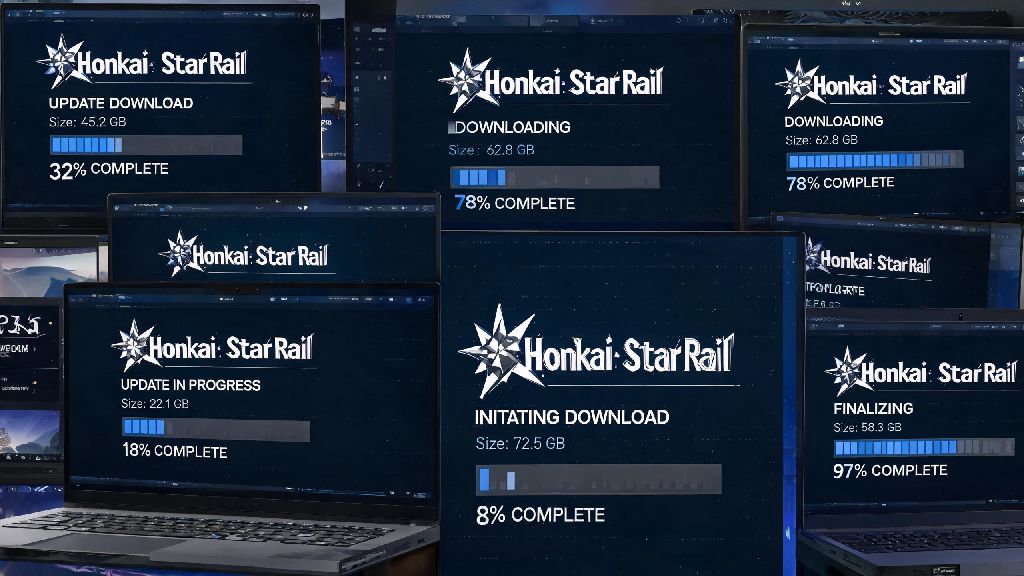
The standard fresh install of Honkai: Star Rail on PC takes up 32 GB of storage for the core game, assuming you only download one default voice pack. That size includes all current story chapters, open world maps, character assets, and base game features. It’s noticeably larger than the mobile version of the game, because the PC build includes higher resolution textures, uncompressed audio files, and higher quality cutscene footage that doesn’t need to be compressed for smaller mobile screens.
If you choose to download all four available voice packs (Chinese, Japanese, Korean, and English) instead of just your preferred language, you can expect to add an extra 8 to 10 GB to your total install size, bringing the initial total up to 40 to 42 GB. I know a lot of players who just click "download all" when they first install the game without checking what optional content they’re adding, and end up surprised when the install takes up almost 50 GB right off the bat. You can always add or remove voice packs later in the game settings, so there’s no need to download all of them upfront if you don’t plan to use them.
You’ll also need extra temporary storage during the installation process itself. The initial installer file is roughly 15 GB, and the game needs space to unpack and install files as it downloads, so you should have at least 40 GB of free space on your drive before starting the initial download to avoid errors.
Additional Storage You Need For Honkai Star Rail Updates
The base install size isn’t the end of the storage story, because Honkai: Star Rail receives regular version updates every six weeks that add new content. Smaller hotfix patches are usually less than 1 GB, but major version updates that add new maps, story chapters, and playable characters typically range from 5 to 12 GB in size. You’ll need more than just the size of the update available to install it, too: the patching process requires twice the size of the update file as temporary space to unpack and replace old game files without corrupting your install.
I learned this the hard way last year when I tried to install a 10 GB patch with only 8 GB of free space left on my SSD. I spent three hours troubleshooting corrupt files before I realized I just needed to clear a few old game installs to make room. Over time, extra content will also add to your total install size, so long-time players who have been playing since launch may see their install size creep up to 50 GB or more, even with only one voice pack installed.
There are a few common hidden sources of extra storage usage that many players don’t account for:
- High-resolution texture packs for 4K gameplay, which add 6-7 GB of extra storage for players with high-end monitors
- Full voice pack libraries for all 4 available languages, instead of just your preferred one
- Cached cutscenes and replay data from story chapters and limited-time events that you don’t plan to rewatch
- Temporary patch files that are sometimes left on your drive after incomplete or interrupted updates
How To Optimize Honkai Star Rail Storage Usage On Your PC
If you’re running low on storage and don’t want to uninstall the game entirely, there are a few simple steps you can take to cut down on unnecessary space usage. The easiest fix is to uninstall any unused voice packs from the game settings menu. You can find this option under the "Resources" tab in settings, and removing three unused voice packs can free up 6 to 8 GB of space immediately, with no impact on your gameplay experience if you only use one language.
You can also clear cached cutscene and replay data from the same settings menu. The game automatically saves footage of story cutscenes and event content you’ve already completed, and deleting these files can free up another 2 to 3 GB of space. The game will still stream cutscenes when you play through story content, so you won’t miss anything by clearing this cache. Never delete core game files manually from your installation folder, though, because this can corrupt your game and force you to redownload the entire 32 GB install to fix it.
If you have both an SSD and HDD in your PC, you can also choose to move the game to your HDD if you’re running low on SSD space. Loading times will be slightly longer, but the game runs perfectly fine on a HDD, so this is a good tradeoff if you use your SSD for more frequently played games or work files. Make sure you have at least 20 GB of free space on your drive before any major version update to avoid patching failures or corrupt files, even if you don’t plan to download any extra content.
Minimum vs Recommended PC Storage Requirements For Honkai Star Rail
The official minimum storage requirement listed by HoYoverse is 35 GB, but that number only covers a fresh base install with one voice pack, no extra content, and no room for future updates. If you only have 35 GB of free space, you’ll be able to install the game and play for a little while, but you’ll run into storage errors as soon as the first major patch drops. This is why the official listed minimum is often misleading for players who plan to stick with the game long term.
The recommended storage amount for regular players is at least 60 GB of free space on your drive before installing the game. This gives you enough room for the base install, one voice pack, high resolution textures if you want them, and several future major updates without needing to clear space every time a new patch drops. If you plan to use multiple voice packs or record gameplay footage, you should aim for even more free space to avoid running into issues.
You don’t need to install the game on an SSD to play it, but it’s highly recommended if you have the space. The game loads open world maps and cutscenes 2 to 3 times faster on an SSD, and you’ll avoid the long load screens that many HDD players complain about when switching between areas. If you only have a small SSD, prioritize installing Honkai: Star Rail on it if it’s one of your most frequently played games, and move less used games and files to your HDD instead.
At the end of the day, how much space is Honkai Star Rail on PC will vary a bit depending on what optional content you choose to install and how long you’ve been playing. A fresh install with only one voice pack will sit around 32 GB, but long-time players with all extra content should plan for up to 60 GB of space used. As long as you leave extra room for updates and clean out unused content every few months, you won’t run into any storage issues while playing. If you’re just starting out, stick to the default install options first, and add extra content like additional voice packs later once you’re sure you’ll use them.