If you’ve ever found yourself scrolling through menus trying to figure out if you missed pulling a limited 5-star, or want to plan your future pulls around units that fit your team comp, you’re not alone. Most new players spend their first few weeks fumbling through Honkai: Star Rail’s UI trying to find where their full roster lives, and it’s easy to miss hidden filters that show every unit in the game. We’re breaking down exactly how to check all characters in Honkai Star Rail, plus extra hacks to track upcoming releases and organize your existing collection without third-party tools if you don’t want to use them.
How to Check All Characters in Honkai Star Rail In-Game (No Third-Party Tools Needed)
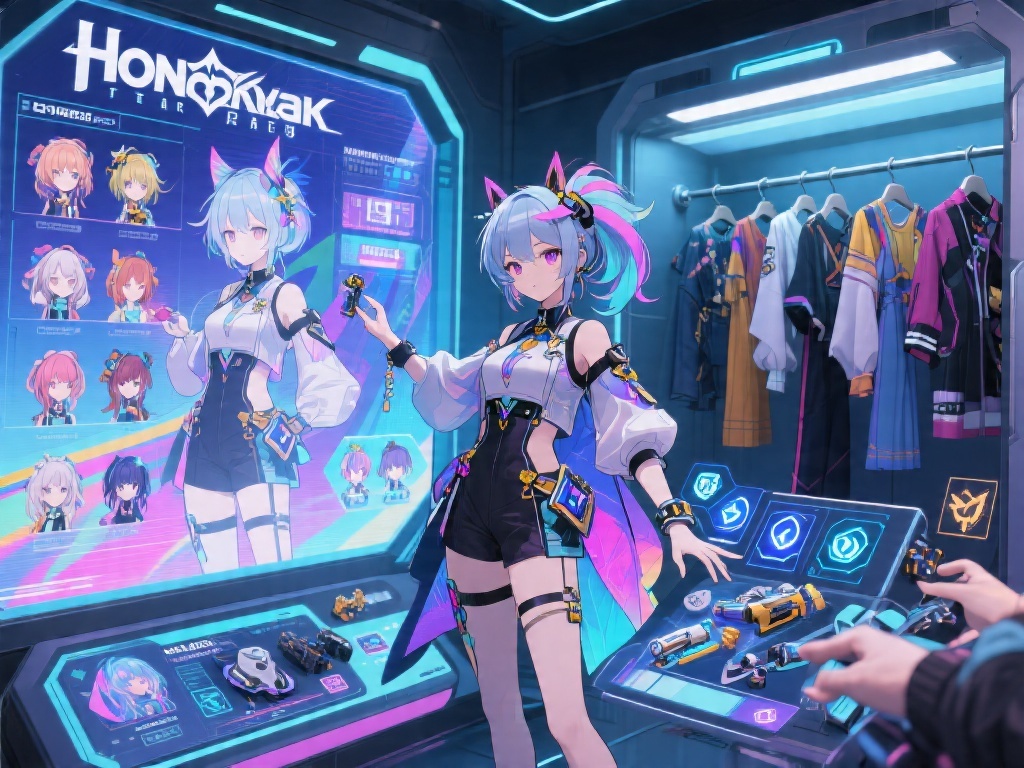
You don’t need to download any external apps or visit fan sites to see every unit currently released in the game. All you have to do is navigate to the Interastral Archive from the main menu, then select the “Characters” tab. This tab is split into multiple filters that let you sort units by path, element, rarity, and whether you own them already.
If you only want to see characters you’ve unlocked, toggle the “Owned” filter at the top right of the screen. If you want to see every released unit, leave that filter off, and you’ll be able to click on any unowned character to see their base stats, skill previews, and lore backstories.
One thing a lot of players miss is that limited-time crossover units won’t show up in this archive if they haven’t been released on your server yet. You’ll have to wait until their banner drops for them to appear in the official in-game list. Some event-specific trial units also won’t appear in the archive until their official permanent release, even if you got to play as them during a limited story mission.
Useful Filters to Sort Your Full Character Roster Faster
Once you pull up the full character list, you don’t have to scroll through 50+ units one by one to find the one you’re looking for. The in-game filter system is way more robust than most players realize, and learning to use it can save you minutes every time you’re planning team comps or pull schedules. Here are the most useful filters to prioritize:
- Path filter: Sort units by their role (Harmony, Preservation, Destruction, etc.) so you can quickly find all supports, tanks, or DPS units in the game at once.
- Element filter: Perfect for planning teams for specific Forgotten Hall or Simulated Universe runs, where you need to target specific enemy weaknesses to clear stages fast.
- Rarity filter: If you only want to compare 5-star units or look for underrated 4-star picks that you might have overlooked, this filter cuts out all the noise instantly.
You can combine multiple filters too, for example, if you’re looking for a 4-star Ice DPS, you can select the Destruction path, Ice element, and 4-star rarity filters to pull up only units that fit that exact criteria. It’s way faster than scrolling through the full list every time.
Pro tip: If you mark characters as “favorite” from their individual profile pages, you can also filter to only show your favorite units, which is perfect if you only want to pull up the roster you use for endgame content. You can also sort units by release date to see the newest additions to the game first.
How to Track Upcoming Unreleased Characters
The in-game archive only shows units that have already been released on your server, so if you want to plan your pulls months in advance, you’ll need a way to see unreleased characters that are still in beta testing. The good news is you don’t have to dig through leak forums if you don’t want to, there are official ways to get hints at upcoming units too.
First, keep an eye on official Honkai: Star Rail social media accounts. The devs usually tease new characters 2-3 weeks before their banner drops, and they’ll post full skill previews, backstory snippets, and demo videos so you can decide if you want to save your Stellar Jade for them. They also often hint at future units in main story updates, with cameos from characters that will get their own playable release later on.
If you don’t mind community-curated resources, most trusted fan wikis update their character lists regularly with beta units, marked clearly as unreleased so you don’t confuse them with live units. Always make sure you’re using a reputable wiki though, because some smaller sites might post fake unit leaks that never actually make it to the live game.
One thing to keep in mind: beta units can change drastically before their official release. Their skills, stats, and even rarity can be adjusted based on beta tester feedback, so don’t lock in your pull plan until the devs release official details about the unit. It’s not uncommon for beta skills to get nerfed or reworked entirely right before a unit’s launch date.
Common Mistakes to Avoid When Checking Your Character Roster
Even if you know where to find the full character list, there are a few common mistakes that can leave you missing units or seeing incorrect information. We’ve seen hundreds of new players run into these issues, so we’re breaking them down to help you avoid the same frustration.
First, don’t forget that trial characters from event missions won’t show up in your owned character list. A lot of new players think they unlocked a 5-star for free after playing an event story mission, only to realize the character was just a temporary trial that disappears once the event ends. If you want to confirm you actually own a unit, check for the “Owned” badge on their profile icon in the archive.
Second, don’t rely solely on the character selection screen from the combat menu to see all your owned units. That screen only shows leveled units by default, so you might have 4-star units sitting at level 1 that you forgot about that don’t show up there unless you toggle the “Show All” filter. This is one of the most common reasons players miss out on powerful F2P units that they already own but never bothered to level up.
Third, if you play on multiple servers, remember that your character collection is separate for each server. A unit you own on the North American server won’t show up on your European server account, so you’ll have to check the archive separately for each account if you switch between them often. Also, some units may release on different dates across servers, so the archive list may not match 100% between regions for the first few days of a new banner.
At the end of the day, figuring out how to check all characters in Honkai Star Rail is a simple skill that makes a huge difference in how you plan your pulls, build your teams, and enjoy the game. You don’t need fancy tools or complicated workarounds, just a quick trip to the Interastral Archive and a few seconds playing with the filters to find exactly what you’re looking for.
If you want to track unreleased units, stick to official announcements or trusted fan resources to avoid falling for fake leaks, and always double check that a unit is actually in your collection before you start planning builds for it. Small habits like this will make your time in the game way less stressful, and help you get the most out of every Stellar Jade you spend.