If you’ve finished exploring every corner of Jarilo-VI, pulled every character on your wishlist, or just want to take a permanent break from gacha pulls, you might be looking for how to delete a Honkai Star Rail account. It’s not a decision to make lightly, since all your progress, paid items, and character collections will be gone forever once the process is complete. I’ve walked through this process myself when I wanted to start fresh on a different server, so I know all the hidden pitfalls and important checks you need to do before hitting that confirm button. This guide walks you through every step, plus what to expect after you submit your deletion request.
Pre-Deletion Checks You Must Complete Before You Delete a Honkai Star Rail Account
Jumping straight to the delete button can lead to frustrating, irreversible mistakes, so take 10 minutes to run through these checks first. I skipped the currency check when I deleted my first account, and lost 12,000 Stellar Jades I’d been saving for a limited banner, so trust me when I say these steps are non-negotiable. None of these items can be recovered or refunded once your deletion request is processed, so it’s worth taking the extra time to wrap up loose ends.
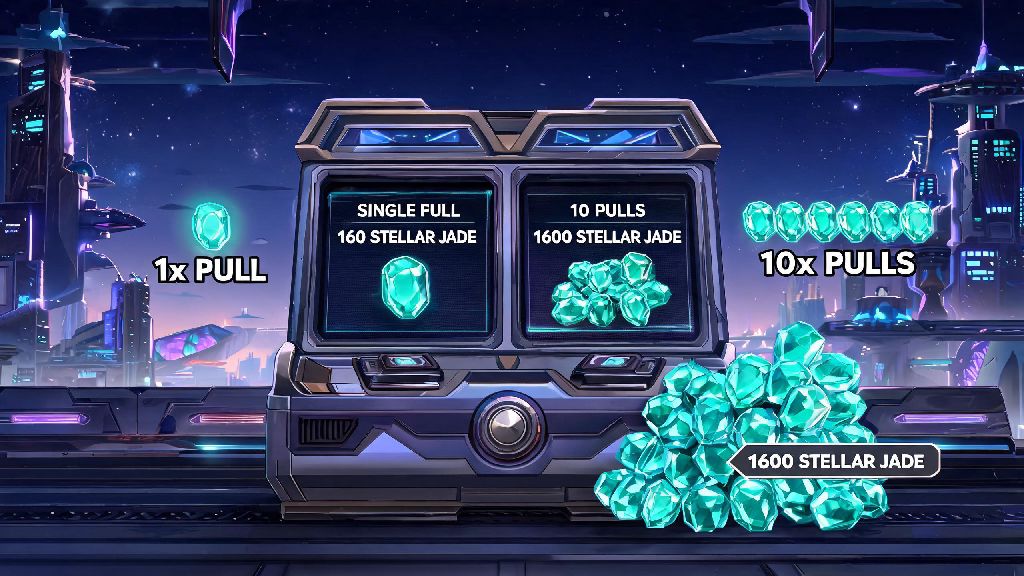
- Use all remaining Oneiric Shards, Stellar Jades, and limited-time event currency – these can’t be transferred or refunded after deletion, so spend them on pulls or items you’ve had your eye on first.
- Confirm all linked accounts (HoYoverse account, Google, Facebook, Twitter, Apple) are ones you have access to – you’ll need to verify your identity to submit a deletion request.
- Save screenshots of your favorite character builds, clear records, or in-game moments you want to keep – there’s no way to retrieve this data once your account is wiped.
- Check if you have any active paid subscriptions linked to the account, like the Express Supply Pass, and cancel them first to avoid being charged for a service you won’t use.
You should also double-check if your Honkai Star Rail account is linked to other HoYoverse games like Genshin Impact or Zenless Zone Zero. Deleting your HSR account won’t delete your entire HoYoverse ID, so your progress on other games will stay intact, but it’s good to confirm you’re not deleting the wrong account by mistake.
Step-by-Step Process to Delete Your Honkai Star Rail Account Permanently
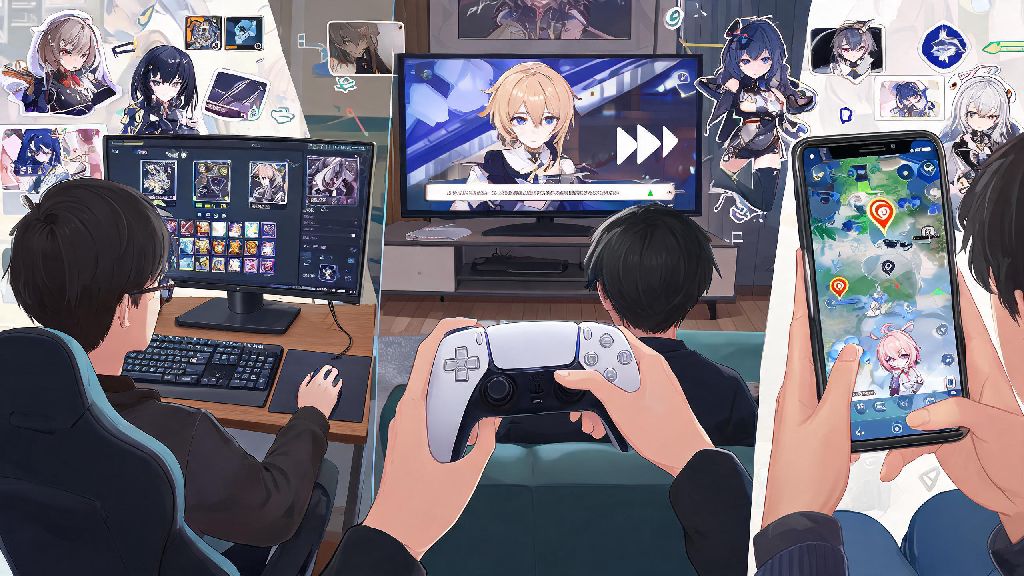
The deletion process is pretty straightforward once you’ve completed your pre-checks, and it works the same across PC, mobile, and PlayStation versions of the game. You’ll need to be logged into your account to start the process, so make sure you have your login details handy before you begin. The entire process takes less than 5 minutes to complete, once you have your verification code.
First, open the game and tap the menu icon in the top right corner of the main screen. Select the Settings option, then navigate to the User Center tab on the left side of the menu. From there, select Account Security, and you’ll see the “Delete Account” option near the bottom of the page.
Tap that option, and you’ll be prompted to enter a verification code sent to the email or phone number linked to your HoYoverse account. Enter the code, then read through the terms of deletion carefully before tapping confirm. Once you submit your request, you’ll enter a 30-day cooling-off period where you can cancel the deletion at any time just by logging into your account again.
That means your account won’t be wiped immediately, so don’t panic if you have second thoughts a week after submitting the request. If you don’t log in during those 30 days, your account will be permanently deleted, and you won’t be able to recover any of your data after that point.
Common Issues You Might Face During Account Deletion
Most people don’t run into problems when deleting their account, but there are a few common snags that can slow down the process. If you can’t find the option to delete a Honkai Star Rail account in your settings, make sure you’re running the latest version of the game first. Older versions of the app don’t have the direct deletion option, so you’ll need to update it or log in through the official HoYoverse website to submit your request.
Another common issue is not receiving the verification code after you request it. First, check your spam or junk folder, since automated HoYoverse emails often end up there. If you still don’t see it, make sure you’re entering the correct email or phone number linked to your account. If you changed your contact information recently and didn’t update it in your account settings, you’ll need to reach out to HoYoverse customer support to verify your identity first.
If you’re using a guest account that’s not linked to a HoYoverse ID, you won’t be able to delete it directly. You’ll need to link the guest account to a valid email or third-party account first, then follow the regular deletion steps. If you lose access to your guest account before linking it, you won’t be able to delete it manually, but it will be automatically purged after 180 days of inactivity.
Alternatives to Permanent Honkai Star Rail Account Deletion
If you’re on the fence about whether to delete a Honkai Star Rail account permanently, trying one of these alternatives first can help you avoid losing years of progress by mistake. A lot of people choose to delete their account when they’re burnt out, only to regret it a few months later when a new character or update drops that they want to try. These options let you step back without losing everything you’ve worked for.
The simplest alternative is to just log out of your account and uninstall the game for a while. Your account will stay intact on HoYoverse’s servers indefinitely, so you can log back in whenever you want to pick up where you left off. You can also turn off all push notifications for the game if you don’t want to be tempted to log back in during your break.
If you want to start fresh, you don’t need to delete your old account to do it. You can create a new alternate account on the same server, and switch between accounts whenever you want. That way, you keep your old character collection and progress, but you get the fun of rerolling for new characters on a fresh save.
You might have heard of people selling or giving away their accounts instead of deleting them, but that’s a terms of service violation that can lead to HoYoverse banning both the seller and buyer’s accounts. It’s not worth the risk, especially since there’s no way to guarantee the buyer won’t scam you out of payment or use the account for illegal activity.
At the end of the day, choosing how to delete a Honkai Star Rail account is a personal choice that only you can make. Take the time to go through the pre-deletion checks first, and make sure you’re 100% sure you don’t want to access your account again before you submit your request. The 30-day cooling-off period gives you plenty of time to change your mind, so don’t panic if you have second thoughts a week after you submit the request. If you ever decide to come back to the game later, you can always create a new account and start your adventure all over again.