There’s no worse feeling for a gacha player than spending 2 hours grinding a tough Simulated Universe run, finally beating the end boss, and having your game crash right before you claim your rewards. Or you pull a limited 5-star character you’ve been saving 100 pulls for, only to have your internet cut out immediately after the animation plays, leaving you wondering if you just wasted all your stellar jade. If you’ve ever found yourself in that position, you’ve probably asked does honkai star rail save automatically, and if you’re at risk of losing all your hard-earned progress. I’ve been playing Honkai: Star Rail daily for over a year, and I’ve tested every edge case of the save system, from random crashes mid-pull to switching between PC and mobile mid-exploration. In this guide, I’m breaking down exactly how the save system works, when you can trust it to work, and what you can do to avoid losing progress no matter what happens.
Does Honkai: Star Rail save automatically, and when does it trigger saves?
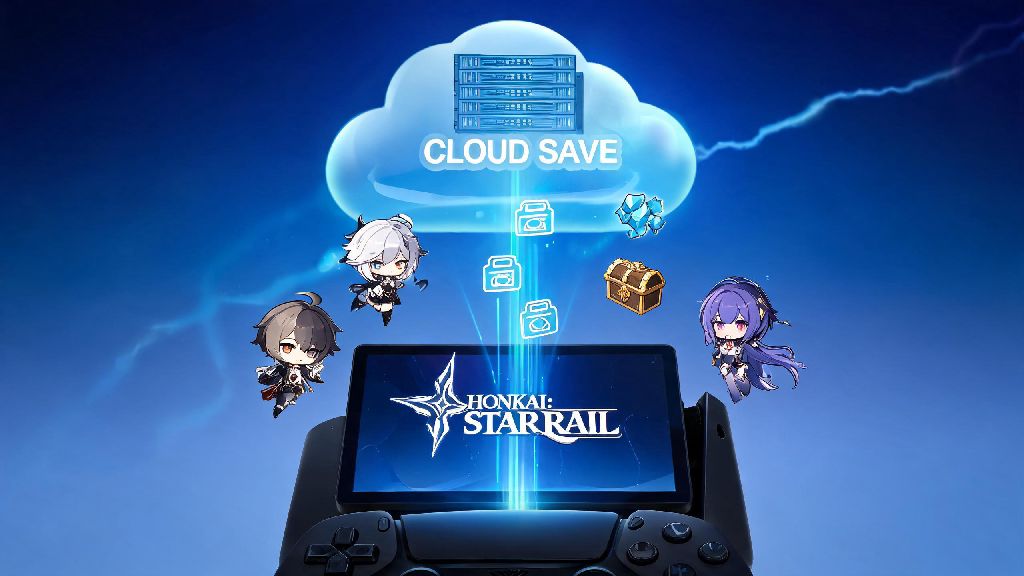
The short answer is yes, Honkai: Star Rail does use an automatic save system that syncs your progress to HoYoverse’s cloud servers in real time for most actions. You won’t see a bright “saving” pop up on your screen like you do in many single-player RPGs, but the system is working quietly in the background almost constantly to make sure you don’t lose progress. There are specific in-game actions that trigger an immediate save, so you can always count on your progress being stored if you’ve completed any of these actions recently.
I learned how reliable the pull trigger is earlier this year, when my PC blue screened right after the animation for my limited Seele pull finished playing. I was convinced I’d wasted 90 pulls for nothing, but when I logged back in 10 minutes later, Seele was sitting right in my character roster. Auto saves run in the background without notifications, which is why many new players are unsure if the system even works, but it’s far more reliable than most people think. All saves are synced to the cloud, so you can switch between PC, mobile, and PlayStation versions of the game without losing progress, as long as you’re logged into the same HoYoverse account on the same server.
What situations won’t trigger an automatic save in Honkai: Star Rail?
For all its reliability, the auto save system doesn’t capture every single small action you take in the game, and there are gaps you need to watch out for if you don’t want to lose progress. The most common gap is mid-exploration, when you’re just running around opening chests, collecting trash cans, or picking up cosmos coins without interacting with any major game systems. These small collectible actions don’t trigger a save immediately, so if you close the game right after opening 10 common chests without doing anything else, you might come back to find those chests unopened and your coin count reverted.
Other situations that won’t trigger a save include mid-dialogue with an NPC if you haven’t finished the entire conversation, mid-cutscene if you force close the game before the scene ends, and mid-relic enhancement if you haven’t confirmed the final roll. I made this exact mistake last month, when I was running World 7 on Difficulty 4 in the Simulated Universe. I’d just beaten Kafka and was about to click the reward claim button when my internet cut out completely. I logged back in as soon as my service returned, only to find I had to restart the entire 90-minute run from scratch. If you’re running a long Simulated Universe or Swarm Disaster run, don’t close the game halfway through a boss fight before you see the final victory and reward screen – you’ll lose all progress for that run and have to start over.
You also won’t get an auto save if you’re just adjusting your character’s position on the overworld, or scrolling through your inventory without making any changes. These small, passive actions don’t register as major updates to your account, so the system doesn’t waste server space saving them.
Can you manually save your progress in Honkai: Star Rail?
Unlike many single-player RPGs, Honkai: Star Rail doesn’t have a dedicated manual save button you can click whenever you want to store your progress. But that doesn’t mean you can’t force the system to trigger an auto save whenever you’re worried about losing progress. All you have to do is complete one of the actions that triggers an immediate save, and your recent progress will be synced to the cloud right away.
The fastest, lowest-effort way to force a save is to switch your support character’s light cone, or synthesize a single 1-star relic from the crafting menu. Both actions take less than 10 seconds, and both trigger an immediate auto save that will capture all the chests you opened, items you collected, and progress you made since your last save. I do this every time I’m about to log off after a long exploration session, especially if I’ve been hunting for hidden chests in a new map area. For players with spotty internet connections, forcing a save before logging off is the easiest way to make sure all your recent progress is synced to the cloud instead of being lost if your connection drops when you close the game.
This trick also works if you’re switching between devices mid-session. For example, if you’re playing on your commute on mobile and you’re about to get to your stop, just quickly swap your support character’s light cone to trigger a save, then log into your PC when you get home and pick up right where you left off, no lost progress. Just make sure you don’t have the game open on two devices at the same time, as that can cause save conflicts that lead to lost progress.
How to fix lost progress if your automatic save failed?
While the auto save system is extremely reliable, there are rare cases where a glitch, server outage, or internet cutout can cause your save to fail, and you might log in to find some of your recent progress missing. If that happens, don’t panic – there are simple steps you can take to recover your progress almost every time.
First, double check that you logged into the correct server. A huge number of “lost progress” reports are just players accidentally selecting the wrong server when they log in, especially if they play on multiple regions. If you usually play on the NA server and you log into the EU server by mistake, you’ll be greeted with a new account creation screen, which makes it look like all your progress is gone. Just switch back to your regular server, and your progress will be right where you left it. If you’re on the correct server and still don’t see your progress, restart your game and make sure your internet connection is stable. Sometimes the cloud sync just takes a minute to load, especially if you’re logging in after a server update.
If those steps don’t work, you can contact HoYoverse customer support through the in-game help center to request a progress restore. HoYoverse keeps backup saves for all accounts for up to 180 days, so you don’t have to panic if you run into a rare save glitch. You’ll just need to provide your UID, the approximate time you lost progress, and details of what you lost (like a 5-star pull, or a cleared Simulated Universe run), and the support team can usually restore your progress within 24 hours. Never share your account login details with anyone, even if they claim they can help you restore lost progress – this is the most common cause of account theft and permanent progress loss.
At the end of the day, if you’ve been asking does honkai star rail save automatically, the short answer is yes, for almost all major in-game actions. You don’t have to worry about losing your limited 5-star pulls, cleared story quests, or battle pass rewards, as long as you wait for the action to complete before closing your game. The only time you need to be cautious is during long, unbroken sessions of exploration or Simulated Universe runs, where you might go 10 or 15 minutes without triggering a save. If you’re ever unsure if your progress is saved, just use the quick force save trick we shared earlier, and you’ll never have to deal with lost hard-earned progress again. I’ve only lost progress once in all my time playing, and that was entirely my fault for closing the game mid-run before the reward screen popped up. Follow these simple rules, and you’ll be able to play without stressing about losing anything you’ve worked for.