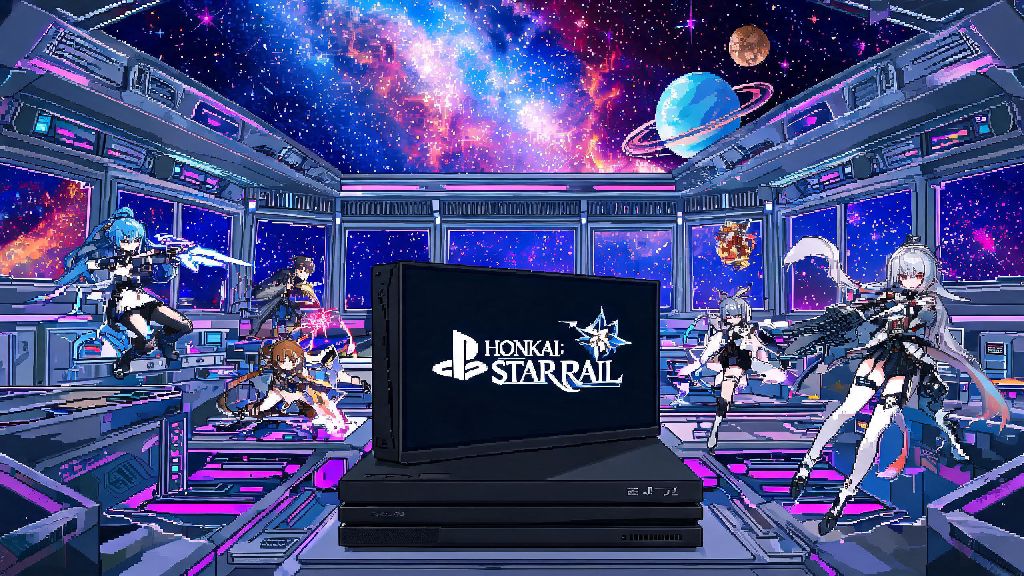
If you’re getting ready to dive into Honkai Star Rail’s wild interstellar story for the first time, or are prepping for the next big version update, the first thing you’ll probably check is if you have enough storage space on your PC. Nothing kills that pre-play hype faster than a pop-up telling you there’s not enough room to install the game. We’re breaking down exactly how big is honkai star rail pc, plus all the extra space you’ll need for updates, voice packs, and other hidden files that add up over time.
How Big Is Honkai Star Rail PC: Exact Base Game Size
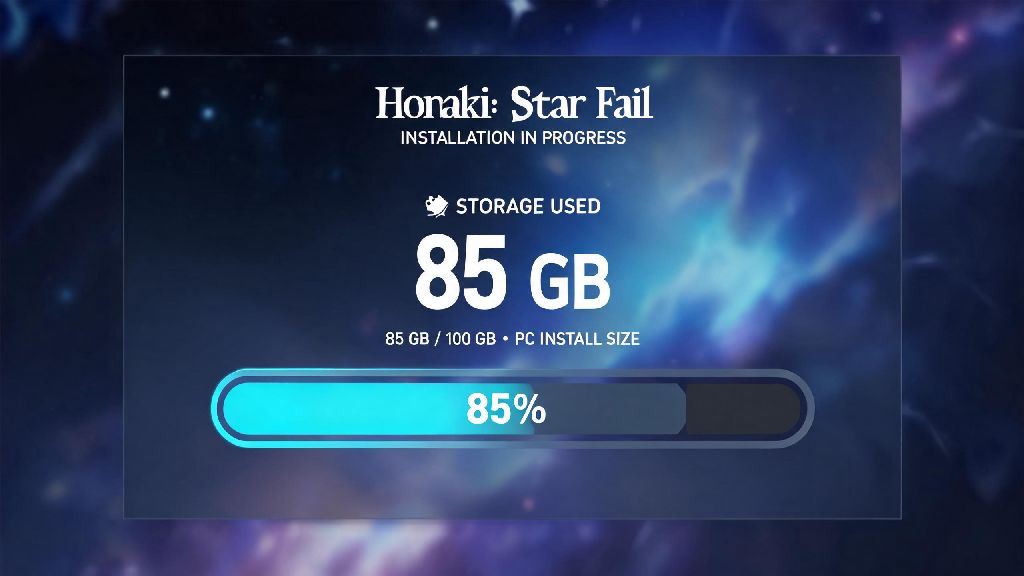
As of the latest version featuring the Penacony planet arc, the standard base install of Honkai Star Rail on PC sits at around 85 GB if you only have one voice pack installed. That’s the size you’ll end up with after the initial 15 GB installer finishes unpacking all the game files, cutscenes, and character assets. A lot of new players get tricked by the small installer size, and end up stuck with a failed installation when they only leave 20 GB of free space. I’ve been there before, I tried to install it on an old laptop with only 25 GB free a year ago, and I had to delete half my old game library just to get it to finish unpacking.
If you choose to install multiple voice packs, that size goes up fast. Each voice pack (English, Japanese, Chinese, Korean) adds between 7 and 12 GB of extra storage. If you install all four, your base game size jumps to roughly 110 GB right off the bat. There’s also an optional 4K texture pack for high-end PC users, which adds another 18 GB on top of the base size if you opt in for sharper character models and environment details.
Extra Storage Space You Need For Honkai Star Rail Updates
The base game size isn’t the only number you need to plan for, because HoYoverse releases a major version update every 6 weeks, and those updates usually range from 10 to 20 GB each. You don’t just need space for the update download itself, either. The game needs extra temporary space to unpack new files and replace old ones during the installation process. If you don’t have enough extra space, the update will crash halfway through, and in some cases, you’ll have to reinstall the entire game to fix the corrupted files.
To avoid that headache, you should always leave at least 30 GB of free spare space on the drive you have Honkai Star Rail installed on, even after the base game is fully installed. That gives you enough room for two full major updates, plus any small hotfix patches that drop between versions. If you only have 10 GB or less free, you’re almost guaranteed to run into issues the next time an update rolls around.
Factors That Change Honkai Star Rail PC File Size
No two Honkai Star Rail installs are exactly the same size, because there are a handful of choices you make during and after installation that impact how much space the game takes up. The most common factors include:
For reference, I only have the Japanese voice pack installed, no 4K textures, and I clear my cached cutscenes every other update, so my current install sits at 89 GB. My friend who plays with all four voice packs, 4K textures, and keeps every screenshot he takes has an install size of 122 GB, which is almost 40 GB larger than mine. It’s easy to see how small choices add up fast.
Simple Tips To Free Up Space For Honkai Star Rail On PC
If you’re running low on space and don’t want to delete other games to make room for Honkai Star Rail updates, there are a few easy fixes you can use to cut down your install size without breaking anything. First, uninstall any voice packs you don’t use. You can do this directly through the game launcher’s settings menu, under the voice pack management tab. Deleting three unused voice packs can free up 20-30 GB of space instantly, with no impact on your game performance.
Second, clear your cached event cutscenes and old patch files through the in-game storage management menu. The game keeps old event cutscenes you’ve already watched on your drive by default, and deleting those usually frees up 3-8 GB of space right away. You can still rewatch those cutscenes through the in-game archive if you want, they’ll just stream temporarily instead of being saved permanently.
Third, if you have the game installed on a small SSD, consider moving it to a secondary HDD. Honkai Star Rail runs perfectly fine on a standard 7200 RPM HDD, and you’ll only notice a small difference in initial boot time and very minor increases in area load times. You don’t have to waste valuable SSD space on the game if you’re already running low.
One important rule to remember: never delete core game files manually to free up space. It’s tempting to delete folders that look like they’re unused, but you’ll almost certainly corrupt your game install and have to redownload the entire 85+ GB base game to fix it. Always use the built-in launcher or in-game tools to remove unused files, so you don’t accidentally break anything.
If you’re still not sure how big is Honkai Star Rail PC on your specific setup, you can check the exact size by right clicking the game folder on your drive and selecting properties. That will show you the total space being used, including all screenshots, voice packs, and leftover files.
At the end of the day, the answer to how big is honkai star rail pc depends a little on your voice pack and texture choices, but you can expect to need at least 85 GB for the base game, plus 30 GB of extra space for updates. If you follow the simple storage tips we shared, you can easily keep your install size small enough to fit on most mid-sized drives, without having to delete other games you love. I’ve used these exact tricks for years to juggle space between HoYoverse’s three live service games, and I haven’t had to do a full reinstall of Honkai Star Rail since it first launched, which has saved me hours of waiting for downloads to finish.