If you’ve ever found yourself stuck on a tough Simulated Universe run or wishing you could borrow a broken E6 S+ support character to clear a hard Echo of War boss, you already know how important playing with other people is in HoYoverse’s turn-based space RPG. Learning how to add friends honkai star rail is one of the first quality of life upgrades you can make after you finish the opening tutorial, and it opens up a ton of small but meaningful perks you won’t get playing entirely solo. I’ve been playing since launch, and I still add new friends every week to expand my support roster and swap in-game gifts with people who main characters I don’t have built. It takes less than two minutes to add a new friend, and the payoff lasts for your entire playthrough.
How to Add Friends in Honkai: Star Rail: Full Step-by-Step Walkthrough
Before you jump into sending friend requests, there’s one key requirement you need to hit first. You will not have access to the friend system until you reach Trailblaze Level 13 and complete the “A Moment of Peace” mission on Herta Space Station. So if you’re still stuck running around the station fighting basic robot enemies, you’ll have to play for a couple of hours first before you can start adding people.
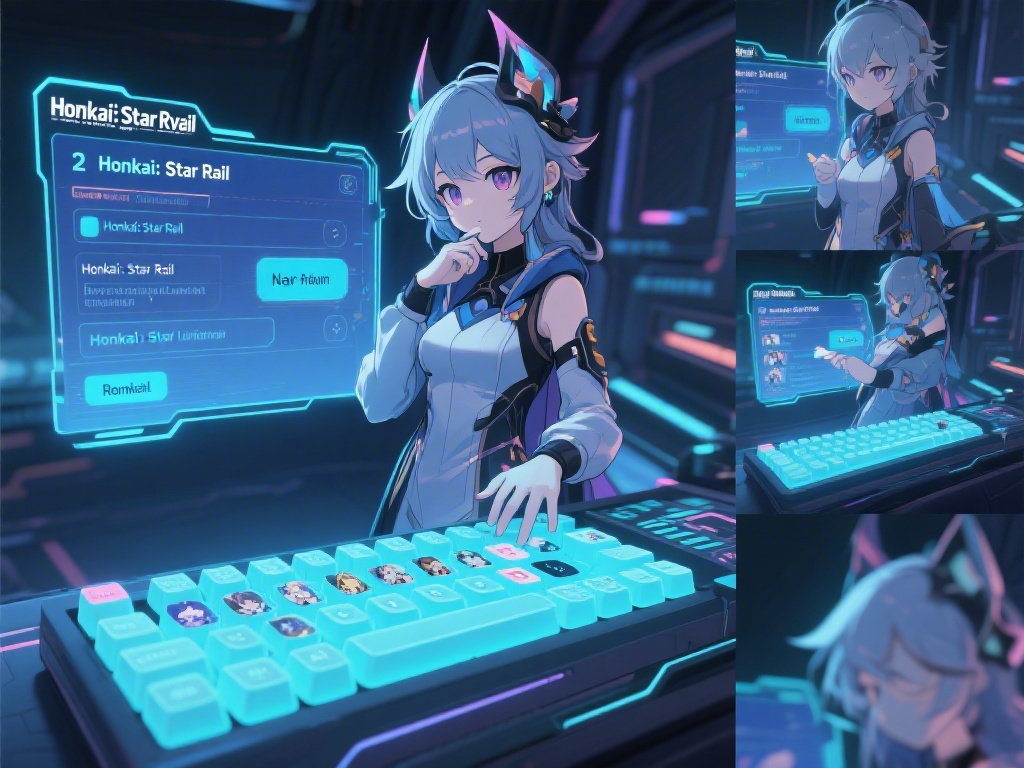
Once you unlock the system, the process is straightforward. Open the main menu by tapping the phone icon on mobile or pressing ESC on PC, then select the friend icon marked with two person silhouettes. Navigate to the “Add Friend” tab, type in the 9-digit UID of the person you want to add, add an optional custom message, and hit send. You can also add people directly from co-op match lobbies, end-of-match screens, or from the public support list you see before entering a battle.
Every player has a unique 9-digit UID tied to their account, and you can only add friends on the same server as you. I can’t tell you how many times I’ve typed a UID wrong because I misread a 0 as an 8, so double check the number before you hit send to avoid sending a request to a random stranger. If someone sends you a request, you’ll get a notification in your friend menu, and you can choose to accept, decline, or block the request if it looks like spam.
Perks of Building a Large Honkai: Star Rail Friend List
A lot of new players skip adding friends because they think the game is entirely single-player, but that’s far from the truth. Even if you never play co-op, having a full friend list gives you tons of small perks that add up over time. Some of the biggest benefits include:
- Access to a rotating roster of support characters you can borrow for story missions, Calyx runs, and even Forgotten Hall stages, as long as the character meets the stage’s level requirements
- Daily friend gifts that give you 5 Stellar Jade per gift, up to 10 gifts a day for a total of 50 extra Stellar Jade a week just for accepting presents
- Ability to join or host co-op missions for Calyxes, Echo of War fights, and weekly boss battles to cut down on clear time and get extra loot bonuses
- Option to compare character builds, achievement progress, and Trailblaze level with people you play with to get ideas for your own account upgrades
The best part of a large friend list is access to high-investment support characters that can carry you through content you wouldn’t be able to clear on your own for months. When I was a new player, I borrowed a fully built E6 Jing Yuan from a friend to clear my first Forgotten Hall full clear, and I got 600 extra Stellar Jade way earlier than I would have if I’d tried to do it solo. The daily Stellar Jade from gifts also adds up fast, you can get almost enough for a full 10-pull every month just from accepting friend gifts.
Common Mistakes to Avoid When Adding Honkai: Star Rail Friends
Adding friends is simple, but there are a few common mistakes that can make the process frustrating or waste your time. The first and most common one is trying to add friends from a different server. Your server is listed right under your UID on your profile page, and cross-server friending is not supported at this time, so you’ll get an error message if you try to add someone from a different server.
It’s a good idea to prune your friend list once every 2 weeks to remove players who have been inactive for 7 days or more, so you can make space for active players who will send gifts and update their support characters regularly. The game only lets you have 100 friends maximum, so you don’t want to waste half your list on people who haven’t logged in for months.
Another common mistake is sending blank friend requests to people you don’t know. If you add a short message like “Loved your Kafka support, would love to borrow it for Calyx runs!” people are 3x more likely to accept your request, according to what I’ve seen in community polls. Always send a gift back to anyone who sends you one, it takes 2 taps and helps build a positive community for everyone. If you never send gifts back, people will probably remove you from their list after a few weeks.
How to Get More Friend Requests for Your Honkai: Star Rail Account
If you don’t want to spend time hunting for other people’s UIDs, you can set up your account to get incoming friend requests instead. The first step is to set a strong, well-built support character that people actually want to borrow. Meta DPS characters like Dan Heng Imbibitor Lunae, Acheron, or Seele are always popular, as are universal support characters like Ruan Mei, Sparkle, or Robin.
Update your support character regularly to match the current meta or popular event requirements, so more people will see your account when scrolling through public support lists. For example, if there’s an event that requires lots of Imaginary damage, set your best Imaginary character as your support for a few days, and you’ll get way more requests than usual.
You can also add a short bio to your profile that mentions you’re active, send daily gifts, and have a strong support character. Sharing your UID in official Honkai: Star Rail community spaces like the game’s Discord server or Reddit friend recruitment threads is another fast way to get lots of requests, just make sure you list your server and what support characters you offer. I once got 20 friend requests in one day after running a bunch of Echo of War co-ops with my fully built Acheron, so playing public co-op regularly also works really well.
Adding friends might seem like a tiny, unimportant feature when you’re first starting out and focused on unlocking new characters and progressing through the main story, but it’s one of the small changes that makes playing Honkai: Star Rail feel much more rewarding long term. Now that you know how to add friends honkai star rail, you can start building out your list today to get extra Stellar Jade, better support characters, and access to fun co-op content you can’t enjoy alone. Don’t be afraid to send requests to people you meet in co-op or whose support characters you borrow, most players are happy to accept active, friendly new friends to their list.