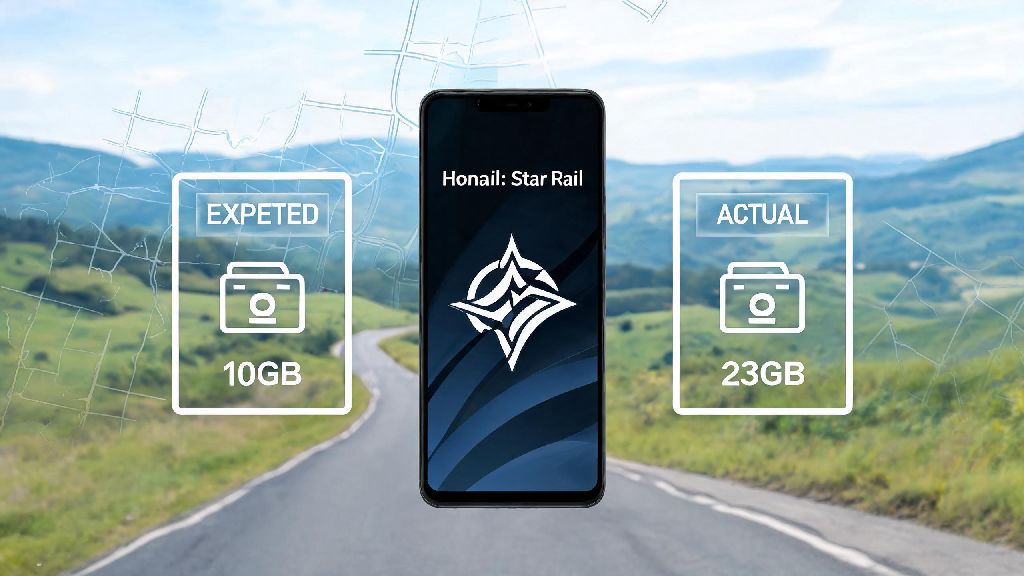
I tried downloading Honkai Star Rail on my phone right before a cross-country trip last month, and hit a wall faster than I lost a fight against a high-level Echo of War boss. The app store said it was 10GB, so I cleared 12GB of old files to make room, only to open the game and find it needed another 13GB of resource packs to run. If you’ve ever found yourself asking how many gb honkai star rail actually takes up before you hit that download button, you’re not alone. I’ve tested the install size across every major platform, dug into what makes the file so big, and rounded up all the tips you need to avoid the storage headache I went through.
How Many GB is Honkai Star Rail for Each Platform?
The first thing you need to know is that the number you see on your app store or game launcher is almost never the full install size. Initial downloads only include the core game files, and you’ll need to download additional resources after you open the app for the first time. These numbers are based on the latest live version of the game, with all standard story and map content installed. For PC players, you’re looking at a 28GB initial download from the official launcher or Steam, with the full install size jumping to 35-40GB once all resource packs and updates are applied. If you opt for the 4K texture pack for high-end PCs, you can add another 6-8GB to that total. Mobile players (both Android and iOS) will see a 10GB initial download on the Google Play Store or Apple App Store, with the full install size landing between 20-25GB once you download all required in-game resources. If you play on multiple accounts across different regions, that number can go up by 3-5GB per extra account. PlayStation 5 players have a slightly more straightforward install process, with a 32GB full install size right from the PlayStation Store, no extra large resource packs required after launch. That number will still grow with each version update, though, usually by 2-4GB per major patch. One thing to note across all platforms: limited-time events don’t usually add huge amounts of permanent storage, but major version updates that add new maps or story arcs will add 3-6GB each time you install them. If you haven’t played in 6 months, expect to download a big patch before you can jump back in.
What Contributes to Honkai Star Rail’s Large File Size?
A lot of new players are surprised that a turn-based anime game takes up almost as much space as big open-world AAA titles. The size comes down to a few key factors that add up over time, especially as HoYoverse adds more content every 6 weeks. The biggest drivers of the game’s large file size are:
Tips to Reduce Honkai Star Rail Storage Usage Without Breaking Gameplay
You don’t have to delete all your favorite apps or old photos just to make room for the latest HSR update. There are a few simple tweaks you can make to cut down the game’s file size without losing access to any of the content you actually use. First, go into the game’s settings and delete any unused voice packs. You can find this option under the “Resources” tab in the settings menu, and it only takes a few seconds to remove any voice languages you don’t use. I did this last month and freed up 7GB of space on my phone instantly, with no impact on my gameplay at all. Second, skip the high-resolution texture pack if you don’t play on a 4K display. There’s no visible difference between the standard and 4K texture packs on a 1080p monitor or phone screen, so you can save 6-8GB of space by opting for the standard textures when you install the game. If you upgrade your display later, you can always download the 4K pack later from the settings menu. Third, clear your game cache every few months. The game stores temporary files like event previews, login banners, and screenshot thumbnails in its cache, and these can build up to 1-2GB of extra space over time. You can clear the cache right from the in-game settings menu, and you won’t lose any of your saved progress or account data. Just don’t try to delete files manually from the game’s folder on your PC or phone, unless you know exactly what you’re doing. Deleting the wrong core file can break the game entirely, and you’ll have to re-download the entire thing to fix it. Stick to the in-game resource management tools to stay safe.
What to Do if You Don’t Have Enough Storage for Honkai Star Rail?
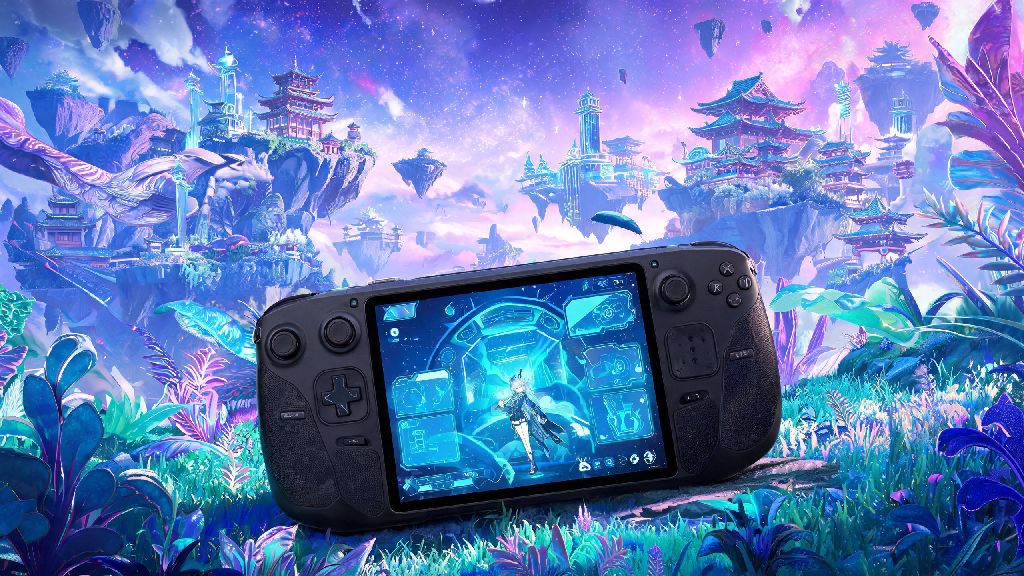
If you’ve already trimmed all the extra fat from the game’s file size and still don’t have enough room to install or update it, there are a few workarounds that let you play without deleting half the content on your device. For PC players, the easiest fix is to install the game on an external SSD. A basic 1TB external SSD costs less than $50 these days, and it works just as well as an internal drive for running HSR. You won’t notice any difference in load times, and you can carry the game with you to play on other PCs if you want. For mobile players, you can use a high-speed microSD card to store the game, if your device supports it. Just note that some newer Android and iOS devices don’t let you install apps on external storage, so check your device’s settings first to see if it’s an option. If it’s not, you can temporarily move large files like photos and videos to cloud storage to free up space for the update, then move them back later. If none of those options work, you can always play Honkai Star Rail on a cloud gaming service. Most major cloud gaming platforms have HSR available, and you don’t have to download any files to play. All you need is a stable 10Mbps internet connection, and you can play the full game on your phone, PC, or even a smart TV. The only downside is that you’ll usually need a subscription to the cloud gaming service, but many offer free trials if you just need to play for a short time. Another quick trick for updates: if you’re short on space, uninstall the game first and re-download the full latest version. Sometimes updating an old install of the game leaves behind unused old files that take up extra space, and a fresh install can be 2-3GB smaller than an updated one. Just make sure your account is linked to an email or social media account before you uninstall, so you don’t lose your progress.
At the end of the day, there’s no one-size-fits-all answer for how many gb honkai star rail takes up, since it depends on your platform, the resources you download, and how long you’ve been playing. Taking a few minutes to check the full install size before you download, and trimming unused resources every few months, will save you a ton of frustration later. I still keep a spare 10GB of free space on my phone just for HSR updates these days, after that trip fiasco, and I haven’t run into a storage issue since. Now that you know what to expect, you can jump into the game without worrying about running out of space mid-pull for your favorite limited character.