If you’ve ever stared at your download queue panicking as you realize your SSD is almost full, you’re not alone. Plenty of HoYoverse fans prepping to dive into new Penacony story quests or limited-time character banners first ask how much space does Honkai Star Rail take on PC before they hit install. It’s a fair question, too: HoYoverse games are famous for packing in high-quality cutscenes, fully voiced storylines, and massive open-world maps that bloat file sizes faster than you can earn Stellar Jades. We’ve tested the latest install across multiple PC setups, pulled official HoYoverse specs, and rounded up all the details you need to plan your storage space before you download.
How Much Space Does Honkai Star Rail Take on PC: Exact File Sizes
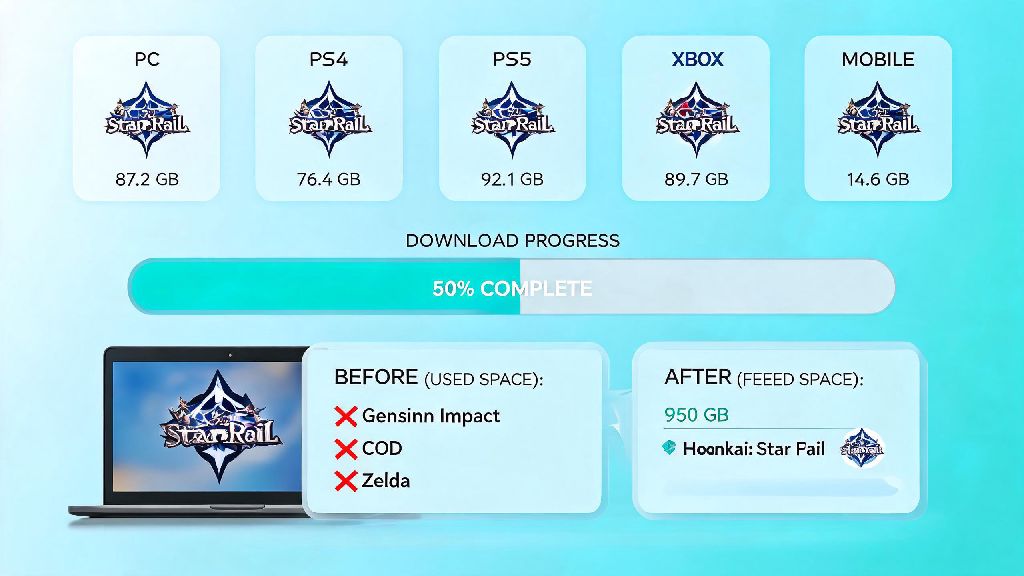
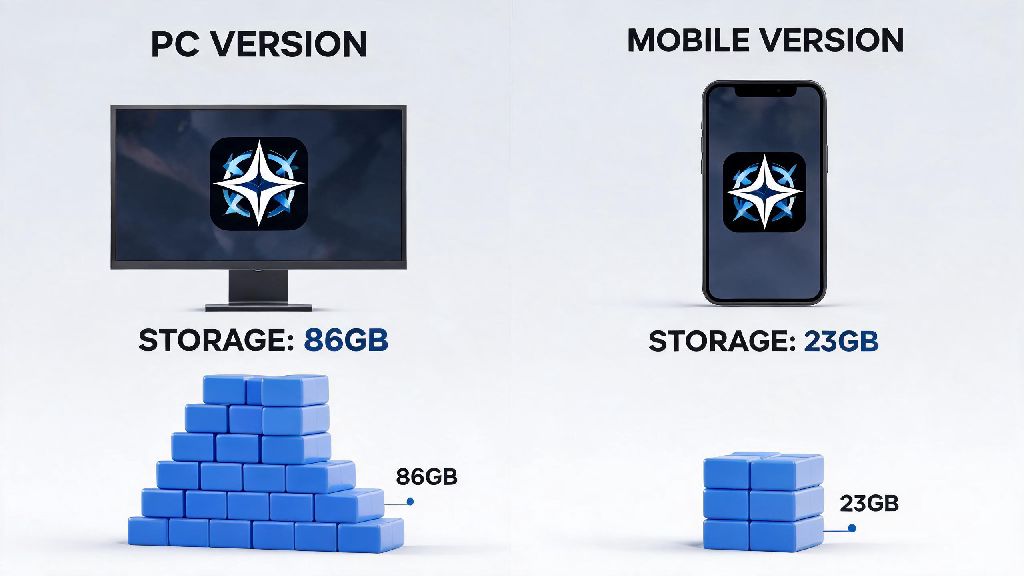
The base install size for Honkai Star Rail on PC, as of the latest version, sits at roughly 32 GB for the standard single voice pack install. That number applies to both the official HoYoverse launcher and Steam versions of the game, with only a 100-200 MB difference between the two platforms. That’s smaller than Genshin Impact’s current 80+ GB install size, but it still takes up a noticeable chunk of space on smaller laptop SSDs.
HoYoverse officially recommends having at least 50 GB of free space available before installing or updating the game, even if the listed download size is much smaller. That extra headroom is for unpacking patch files, temporary installation data, and post-install setup that adds extra files after the initial download completes. If you only have 32 GB free, you’ll almost certainly run into installation errors before the game is ready to play.
Your total file size will creep up over time as you install updates, too. Every major version update (the ones that add new planets or main story chapters) adds between 3 and 7 GB of new content. Minor bug fix patches usually only add a few hundred MB, but they still add up over the course of a year. Most long-time players report total install sizes between 38 and 42 GB after a few months of regular play.
What Takes Up the Most Storage in Honkai Star Rail?
You might be wondering why a turn-based game takes up 30+ GB of space in the first place. Honkai Star Rail’s storage usage breaks down into a few core categories, most of which you can adjust to save space if you don’t need all the extra features.
- High-resolution cutscenes and story assets: Fully animated, voiced story chapters and event cutscenes make up roughly 40% of the total file size, as most are rendered in 1080p minimum with 4K options for higher-end PCs.
- Voice pack files: Each voice language pack takes between 1.5 and 2 GB of space, so players who keep all four installed (Chinese, English, Japanese, Korean) will see a noticeable bump in total storage used.
- Open-world map and character assets: Every new planet added to the game (like Penacony or the Xianzhou Luofu) brings hundreds of new 3D models, texture files, and environmental assets that add 3-5 GB per major update.
- Cached game data: Temporary files from recent runs, screenshot previews, and event data can take up an extra 1-3 GB of space over time if you don’t clear them regularly.
I’ve noticed that after every major version update, the game tends to leave old patch files sitting in your install folder for a few weeks before they get automatically cleared, so that’s another hidden storage drain most players don’t notice. These leftover files can take up 2-3 GB of extra space for months if you don’t manually remove them.
Easy Tips to Reduce Honkai Star Rail PC Storage Usage
You don’t have to delete your entire game library to fit Honkai Star Rail on your PC. There are a few simple tweaks you can make to cut down the total file size by 5-10 GB without losing any core gameplay features or progress.
Uninstall unused voice packs first if you want the biggest storage savings instantly. Most players only use one voice language, so deleting the other three will free up 4-6 GB of space immediately. You can manage your voice packs directly from the in-game settings menu under the “Language” tab, and you can reinstall them any time later if you want to switch. I only use Japanese voice lines, so I delete the other three packs after every major update to save almost 5 GB of space.
Clear your cached game data every 2-3 months to get rid of temporary files you don’t need. You can do this directly from the in-game settings menu, or you can manually delete the “Cache” folder in your game install directory. This won’t delete your save data, character progress, or any of your settings, so it’s completely risk-free. It usually clears 1-3 GB of extra space every time I do it.
You can also lower your game’s texture quality settings if you’re really tight on space, though this only saves a few hundred MB at most. If you don’t care about 4K cutscenes, you can disable the high-resolution cutscene option in the launcher settings to save another 1-2 GB of space, with barely any noticeable difference in visual quality on 1080p screens.
What Happens If You Don’t Have Enough Storage for Honkai Star Rail?
It might be tempting to try to squeeze the game into your last 32 GB of free space, but that’s almost always a bad idea that will cost you more time in the long run. For starters, you’ll likely run into an installation error halfway through the download, even if the listed size is smaller than your available space. The game needs extra room to unpack compressed files during installation, so you’ll end up wasting time waiting for a download that never finishes.
Even if you do manage to get the game installed with minimal free space, you may experience random crashes, missing texture errors, or failed updates when new patches drop. I learned this the hard way last year, when I tried to install a 2 GB update with only 3 GB of free space left on my SSD. The update corrupted my entire game install, and I had to redownload all 32 GB of the game again, which took 6 hours on my slow home internet. It was not worth the trouble of not moving a few old video files to my external drive first.
If you’re only a few GB short of the recommended 50 GB of free space, you don’t have to uninstall other games to make room. Try clearing your recycle bin, deleting old download files, or moving large media files like movies or old photos to an external drive first. Those quick steps usually free up more than enough space to install or update the game without sacrificing anything you use regularly.
At the end of the day, knowing how much space does honkai star rail take on pc takes a lot of the stress out of prepping for new updates or first-time installs. You don't need a top-tier 2 TB SSD to run the game smoothly, but leaving a little extra free space will save you a lot of headaches down the line. If you follow the simple storage saving tips we shared, you can easily fit the game even on a smaller 256 GB laptop SSD alongside your other favorite apps and games. Next time you're getting ready to download a new version, double check your free space first, and you'll be diving into new story quests in no time.